FROM 2D TO 3D
Give us your 2d drawings in AutoCAD, and we will deliver you in a timely fashion a fully operational 3d drawing with families and parameters while keeping your company’s design standards, ensuring seamless transition.
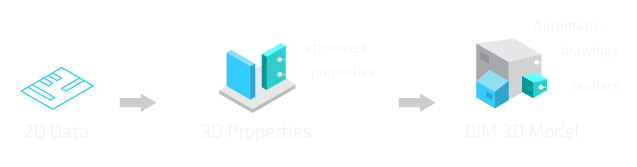
attributtes
drawings
Automatic:
properties
renders
2D Data
3D Properties
BIM 3D Model
AS-BUILTS
With existing condition drawings we provide clear and accurate records of existing conditions with concise details determined by architectural, engineering and owner drawing standards.
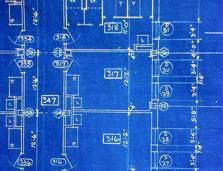
Our clients include architects, asset managers, contractors, developers, designers, engineers, marketers, owners and underwriters. Let us take care of the As-Built process, and deliver you with a 3d drawing,
PROJECT COORDINATION
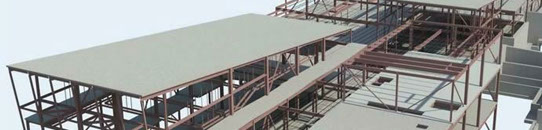
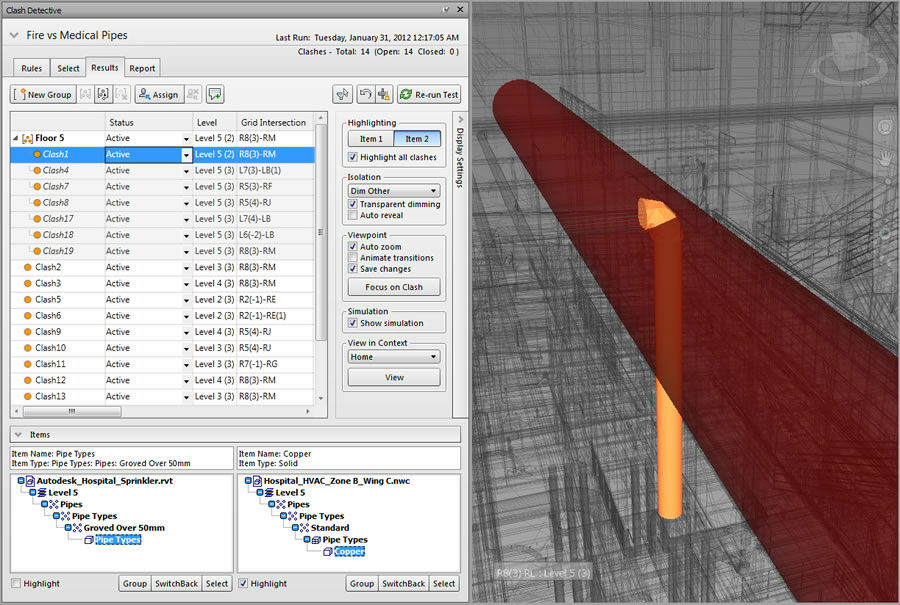
Design “clashes” detection is one of the main features of using BIM software. Using Autodesk Navisworks fantastic set of integration, analysis, and communication tools we can coordinate disciplines interaction, resolve those annoying conflicts, and plan projects well before construction begins, your construction managers will love it, and so will you.
CONSTRUCTION
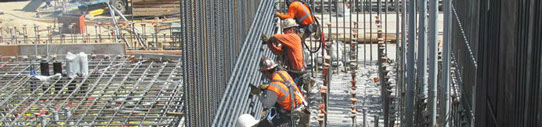
Whether we help you on the drawings or not, we can help you with analysis of high, low and median cost and performance potentials for all the components and building system being considered for a new project. Whether new construction or renovation our team of seasoned professionals brings considerable skill and experience to every project we undertake.
migration
as-builts
coordination
construction
More than CAD
From design to the completion of the project we provide a single-source solution to your engineering needs. Whether is turning those old cad files into 3d, help you coordinate on a dynamic way your construction, or even the construction itself, we can lend a hand.
Click around on the menu below, and contact us.
REVIT
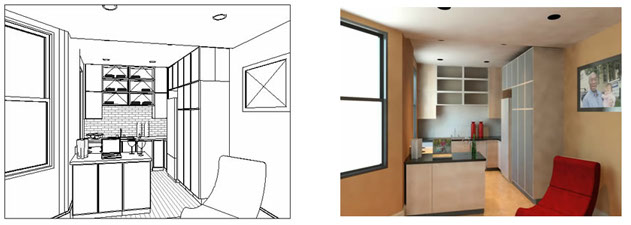 Autodesk® Revit® software works the way architects and designers think, so you can develop higher-quality, more accurate architectural designs.
Capture design ideas in a photorealistic state. With easy user interaction, high-quality output, and faster render times, the rendering engine enables superior design presentation.
REVIT-MEP
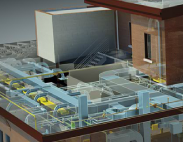
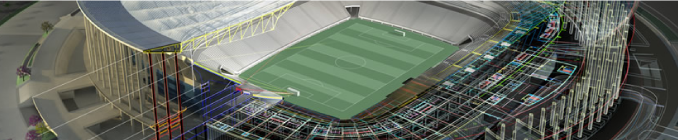
Autodesk® Revit® MEP Building Information Modeling (BIM) software for mechanical, electrical, and plumbing (MEP) engineers supports more accurate and efficient building systems design projects from concept through construction.
INVENTOR
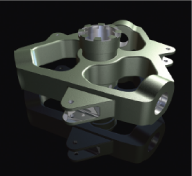 Autodesk® Inventor® 3D CAD software products offer a comprehensive, flexible set of software for 3D mechanical design, product simulation, tooling creation, engineer to order, and design communication. Inventor takes you beyond 3D to Digital Prototyping by enabling you to produce an accurate 3D model that can help you design.
Visualize, and simulate your products before they are built. Digital Prototyping with Inventor helps companies design better products, reduce development costs, and get to market faster.
AUTO-CAD
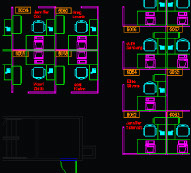 Create simple or complex drawings from standard shapes such as lines, arcs, and circles. Modify existing geometry with commands such as stretch, copy, rotate, and scale. Add annotations including text, dimensions, and tables to help convey your ideas with real world dimensions and technical detail.
Create drawings using the latest DWG technology and have confidence in data integrity when sharing your work. Maximize productivity by reducing time lost tackling corrupted or incompatible data.
NAVISWORK
Autodesk® Navisworks® project review software products help architecture, engineering, and construction professionals gain control over project outcomes. Integrate, share, and review models and multiformat data with all your project stakeholders. A comprehensive set of integration, analysis, and communication tools helps teams better coordinate disciplines, resolve conflicts, and plan projects before construction or renovation begins.
revit
revit-mep
inventor
auto-cad
naviswork
Why Stop Learning?
Get your employees using the latest software solutions: Revit, Revit MEP, Inventor, Naviswork and AutoCAD. This will provide you with an efficient advantage since your employees will know not only the basics of the program, but will also enjoy having hands-on practice with a software expert to apply what they have learned to the specific criteria of your projects. Click on the software you'd like to learn.